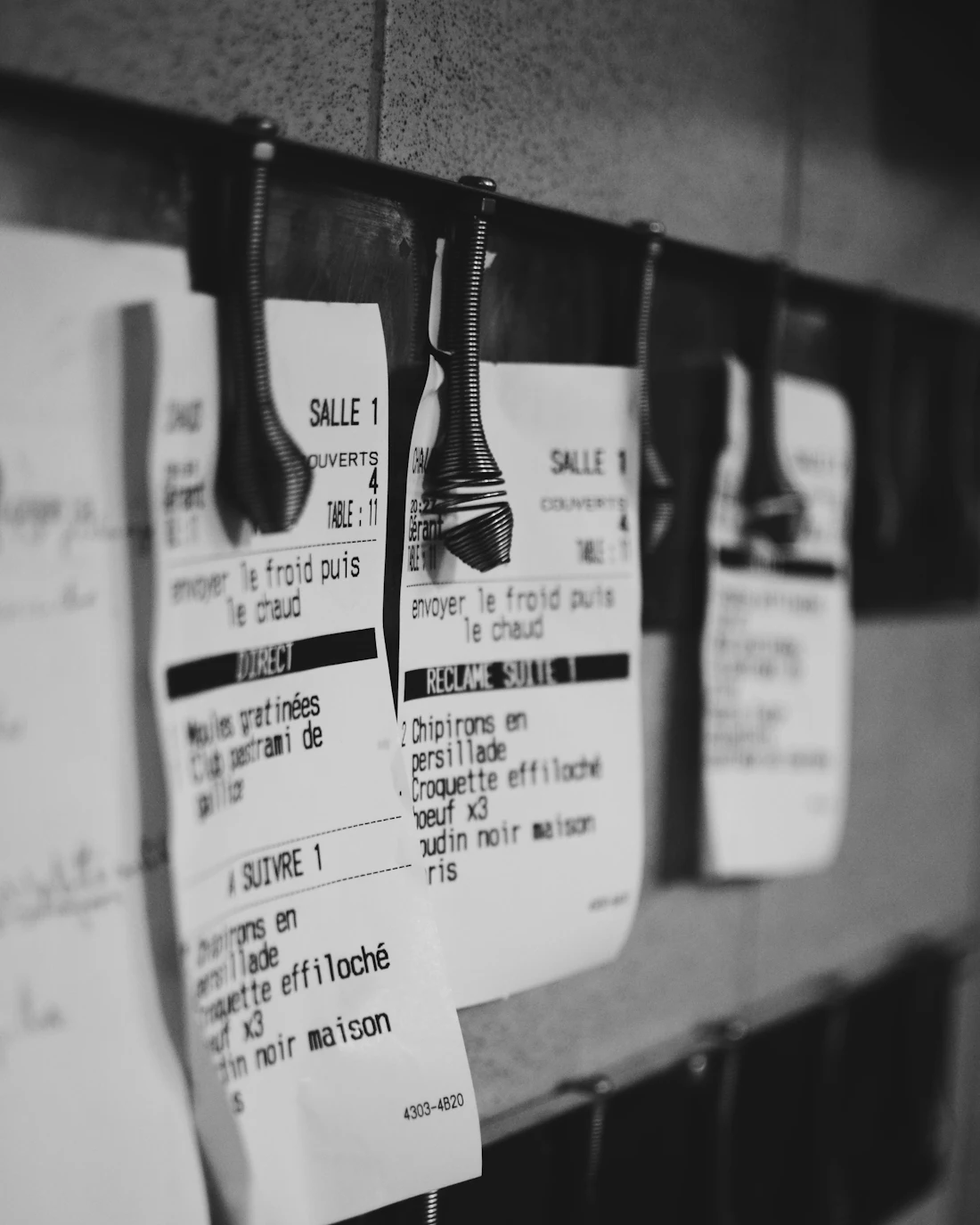
Your kitchen, mid‑service
The Kitchen screen on a tablet at the pass. New orders arrive on the left, and staff move each one across as it's accepted, prepared and handed over.
Follow one order through the restaurant
Order #0142 is one Cheddar Stack Burger with bacon, for collection. Here it is on every screen it passes through, from the customer's phone to your order history.
Customer
It starts on their phone
The customer orders from your menu, with sizes, extras and allergen information, and pays by card. No marketplace in between, and no account to create.
Order #0142, status: Checkout
A menu item in the customer ordering page: Cheddar Stack Burger, Single Patty selected at £8.95, Bacon added for £1.50, with an Add to Basket button. Kitchen
It lands on the pass
The order arrives in the Kitchen's New lane with a sound alert and a countdown. Staff accept or reject it. If nobody accepts within the 5-minute acceptance window, it's cancelled and the customer's card authorisation is released.
Order #0142, status: New
A new order ticket on the Kitchen screen: order #0142, Collection, 1 minute old, accept by 18:26 with 4 minutes 48 seconds left. 1 Cheddar Stack Burger, Single Patty, plus Bacon, for Sam. Accept and Reject buttons. Kitchen
It moves down the line
Start preparing, then mark ready. Each tap moves the order to the next lane, and the customer's tracking page shows the new status.
Order #0142, status: Preparing
Order #0142 on the Kitchen screen, in the Preparing lane: Collection, 6 minutes old. 1 Cheddar Stack Burger, Single Patty, plus Bacon, for Sam. One button: Mark ready. Customer
They know it's ready
A private tracking link shows the order's progress, with your pickup address and phone number. It never shows anyone's personal details or anyone else's order.
Order #0142, status: Ready for collection
The customer's tracking page for order #0142, showing Ready for collection: Your order is ready. Please come and collect it. Counter or courier
It leaves the kitchen
Collection orders are handed over at the counter. Delivery orders complete when the courier confirms delivery. In the demo the courier is simulated; a real courier integration (Uber Direct) is planned but not yet live.
Order #0142, status: Handed over
Two paths from Ready. Collection: Ready, Handed over, Completed. Delivery with the demo's simulated courier: Ready, Courier assigned, Order picked up, Courier arriving, Order delivered, Completed. Owner
The journey closes
The string ends here: the order is Completed and saved in your order history, next to live and finished orders, prices, sold-out items, allergen information, opening hours and ordering pauses. A refund or card-authorisation release that fails goes into a follow-up queue.
Order #0142, status: Completed
The owner's Admin screen: sections for Orders, History, Menu, Settings and Reconciliation, showing order #0142, Collection, £10.45, Completed.
The Kitchen and Admin screens are private staff areas. We'll arrange access for you during a walkthrough.
Checks on every order
What the system enforces during service, without anyone having to remember it.
- Prices are recalculated on the server, so what the customer pays can't be changed in the browser. Checkout is rate-limited and has a bot check (Cloudflare Turnstile).
- An item can't be ordered until its allergen information is complete.
- Card details go into Stripe's own payment form and are never stored by the ordering system.
- Kitchen and Admin need staff sign-in, and every staff request is checked again on the server.
- Staff actions such as price changes, sold-out updates and order decisions are recorded with who made them and when.
- Orders, payments and deliveries are tracked as separate records. A refund or card-authorisation release that fails is queued for follow-up, never quietly recorded as done.
Try the demo restaurant
Gdev Kitchen Demo is a fictional restaurant set up to show the full ordering flow. Order something, choose collection or delivery, and follow it on the tracking page.
- This is a fictional restaurant. No real food is prepared or delivered.
- Payments run in Stripe test mode, so no real charge is made.
Order #0142, collected